
How do I sign up, log in or reset my password?
Tap Sign Up, fill in your business name, email and a password, then confirm the email we send you. After that you log in with the same email and password.
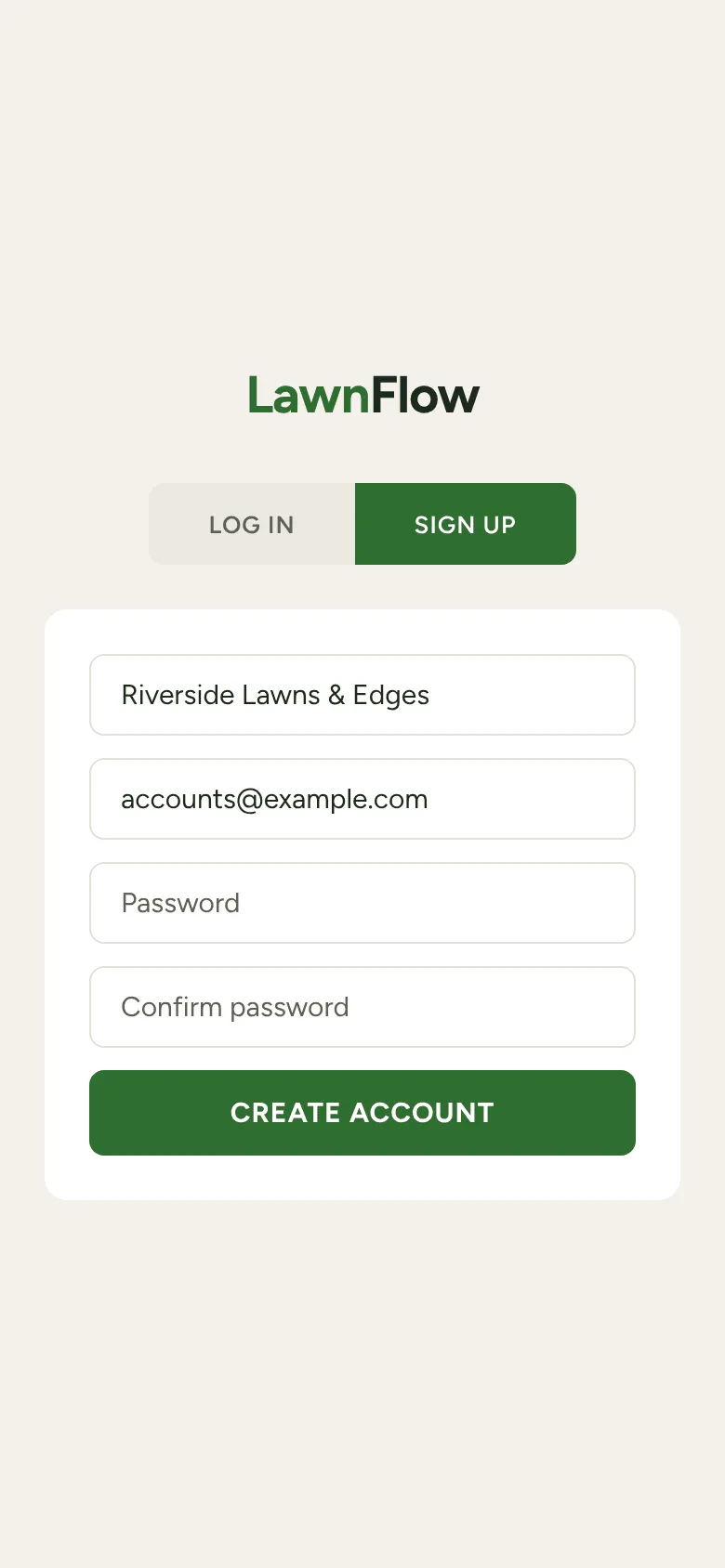
Signing up
Section titled “Signing up”-
Open LawnFlow and tap Sign Up at the top.
-
Type your Business name, your Email address and a Password, then type the password again in Confirm password. The password needs at least 8 characters.
-
Tap Create Account. The app says “Account created! Check your email to confirm, then log in.”
-
Open the email on your phone and tap the link in it. That confirms the address.
-
Back in LawnFlow, on the Log In tab, type the same email and password and tap Log In.
Your new account starts empty. LawnFlow sets your timezone from your phone, and you can change it later under Timezone in More.
Logging in
Section titled “Logging in”Type your email and password on the Log In tab and tap Log In. If you added LawnFlow to your home screen, log in once more from the new icon. That copy keeps you signed in.
I forgot my password
Section titled “I forgot my password”-
On the Log In tab, type your email address.
-
Tap Forgot password? LawnFlow emails you a reset link.
-
Tap the link in the email. LawnFlow opens on Set a new password.
-
Type the new password twice (at least 8 characters) and tap Update Password. The app logs you out so you can log in fresh with it.
Logging out
Section titled “Logging out”Tap More, then Account at the bottom, then Log Out.