
What happens to my data?
Your customers, jobs and money are kept in LawnFlow’s database, walled off from every other business, and backed up every night. They’re yours, and they’re used for nothing but running your business.
Where it’s kept
Section titled “Where it’s kept”Everything you enter or import is stored in LawnFlow’s database, held by Supabase in Singapore. Every business on LawnFlow has its own account, and the database only ever hands your records to you when you’re signed in. Another business can’t see your customers, and you can’t see theirs.
A full backup is taken every night. Each backup is kept for about a month, then deleted.
Your customers’ details
Section titled “Your customers’ details”They stay yours. LawnFlow uses them to run your round, route your day and send your invoices, and for nothing else. There’s no advertising, no analytics and no tracking.
Quote request photos
Section titled “Quote request photos”Photos people send with a quote request are stored privately. Only your account can open them, and only from inside the app while you’re signed in. They’re deleted about a year after they arrive.
If you connect Xero, the keys that let LawnFlow reach your Xero organisation are held on LawnFlow’s server. They never come down to your phone.
On your phone
Section titled “On your phone”The app keeps a copy of your data on your phone so it opens fast and keeps working when signal drops. Anything you do without signal waits on the phone and is sent when it can be.
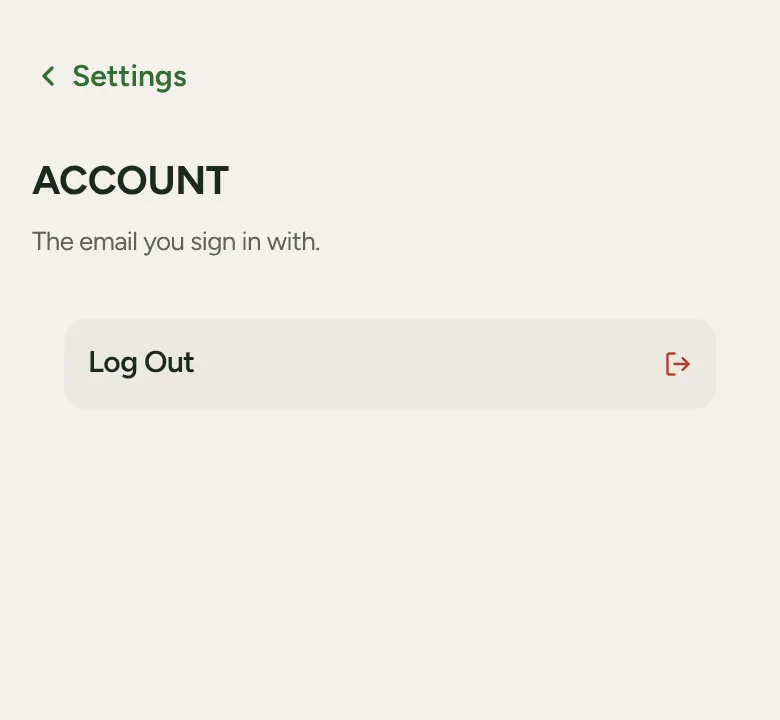
To sign out, tap More, then Account, then Log Out. That clears the saved copy from the phone. Anything not sent yet stays until it can be, so no work is lost.
A copy, or deleting everything
Section titled “A copy, or deleting everything”You can delete a single customer from their page at any time. There’s no button yet to delete your whole account. To get a copy of your data, or to have your account and everything in it deleted, text or email Jack (below). Once it’s deleted, the copies in the nightly backups are gone within about five weeks.
The full details are on the Privacy page.